

The process of importing into Canada has changed, with more responsibilities now assigned to the importer. This includes registering on the CARM Client Portal (CCP), assigning user roles, posting financial security to enrol in the Release Prior to Payment (RPP) program, reviewing Statements of Account (SOAs), and ensuring payments are made on time.
If this sounds overwhelming, or you’re unsure about any of these steps, we’re here to help you stay on track.
At Cole International, we've compiled everything you need to know about CARM on this page with clear, practical, and up to-date information.
This way, you can continue importing into Canada with full compliance confidence.

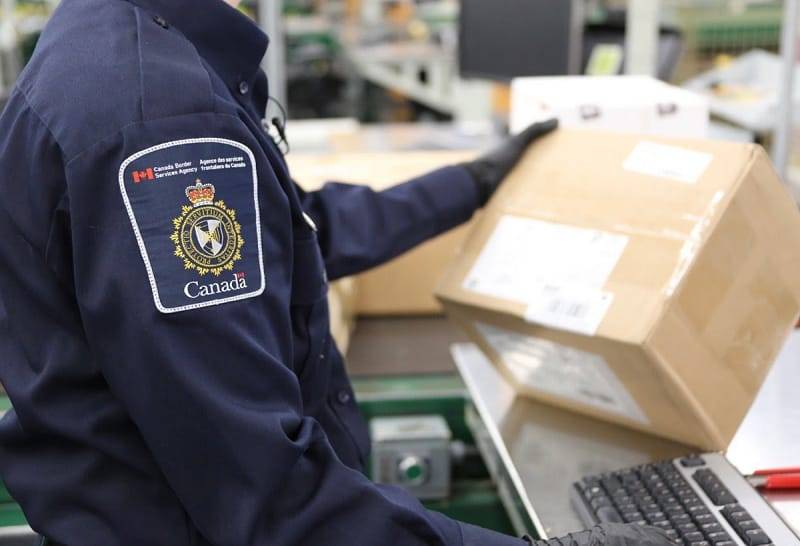
The CBSA Assessment and Revenue Management (CARM) initiative is a modernization project by the Canada Border Services Agency (CBSA) that redefines how duties and taxes are assessed, collected, and reported for all commercial imports into Canada.
It became CBSA’s official reporting system in 2024. At the core of this initiative is the CARM Client Portal (CCP), an online platform where importers must register and manage their customs accounts.
The import process is now more digitized, reducing manual paperwork, standardizing data submission, and improving visibility into import transactions.
For businesses, this translates into streamlined reporting and account management, especially with the support of a trusted customs broker.
Under the current importing framework, every importer must now complete a series of key actions. This helps ensure compliance and keeps goods moving
without delays.


To import into Canada, you must register your business on the CCP. The portal serves as the gateway to access your account information, verify and pay duties and taxes, and maintain compliance with CBSA requirements.
Once your business is registered on the CARM Client Portal, you will need to delegate access to your team members and third-party service providers, including your customs broker.
To have Release Prior to Payment (RPP) privileges, you must post financial security and enrol in the program. You can choose to post security in the form of a surety bond or a cash deposit, depending on your business needs.
Your monthly Statement of Account (SOA) is where your import transactions, balances, and payments come together. Through the CCP, you have full financial visibility and can access, review, and reconcile your account.
Under CARM, you are required to pay your duties, taxes, and other CBSA balances by specific due dates. This helps you avoid penalties, interest, collection actions, loss of RPP, or account suspension.
CBSA has transformed how Canadian importers manage their customs responsibilities. Although your broker will continue to be an active part of your import processes, under the new system, you’re directly responsible for key tasks, such as registering your business, assigning roles, posting financial security, reviewing account activity and monthly Statements of Account (SOAs), and making payments to the CBSA.
Because missing even one requirement can lead to border delays, denied release of goods, late-payment interest, formal penalties under AMPS, or even suspended import privileges.
On the other hand, full compliance ensures smoother clearances, better control over your accounts, and a stronger relationship with CBSA.

CARM (CBSA Assessment and Revenue Management) is a digital system introduced by the Canada Border Services Agency (CBSA) that has transformed how CBSA and commercial importers manage customs duties, taxes, and compliance. Businesses are now responsible for registering on the CARM Client Portal (CCP), posting financial security, and maintaining account compliance.
Connect with one of our customs professionals to discuss where you’re stuck and how we can help. Please fill out the form below, and we’ll be in touch with you shortly.
As an NRI, you will be able to:
Please select a form:
Please select a resource:
Please select a form:
As an NRI, you will be able to:
Please select a resource: